CASE STUDY
Using AI for Design
PROJECT BRIEF
As someone who loves to travel, it would be helpful to have an app where I can plan trips and add content over time. I decided to delve into AI to design an app for my personal travel planning needs. I will take you through each step of the process to demonstrate how AI can offer assisted ideation, rapid iteration, intelligent content generation, accessibility improvements, and overall workflow refinement.
THE CONCEPT
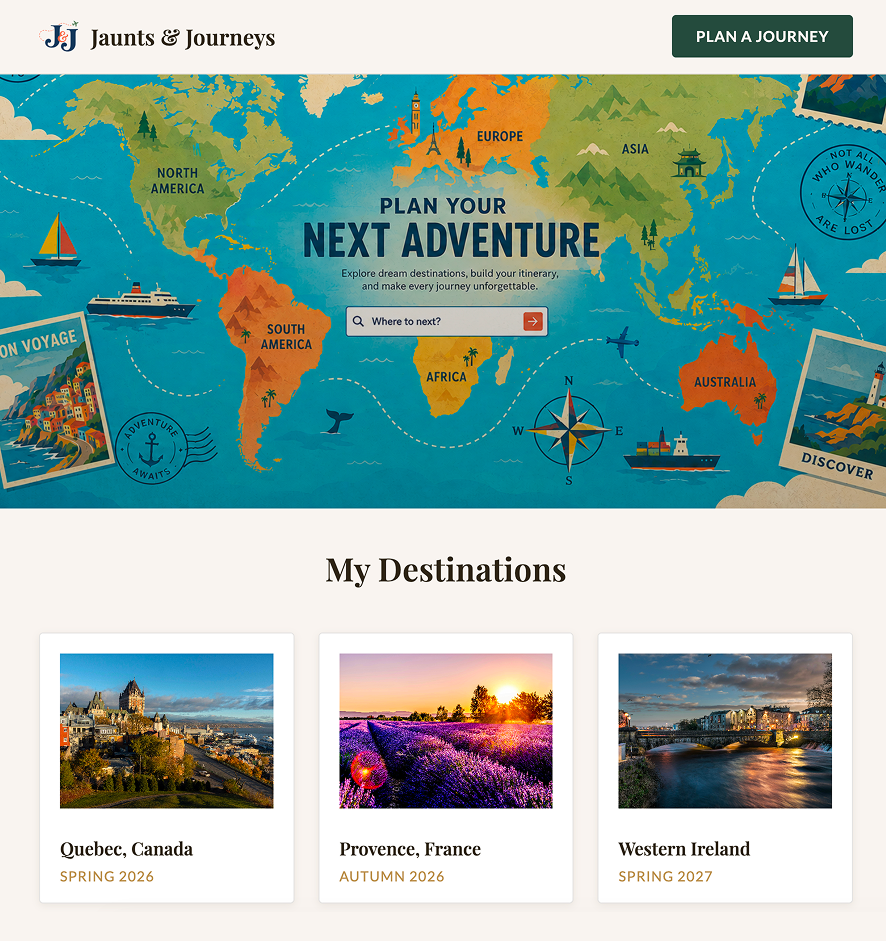
I want to create a website and app that allows me to create and store my travel itineraries. The landing page will have a button to create a trip. A card for each trip will display with a photo of the destination, the trip name, and the date(s). The cards will display in date order.
Each trip will have its own page/screen where I can enter the destination and transportation information. If the trip includes multiple cities, each city will have a section with a map, accommodations, and sites/activities by date. The details can be edited at any time.
My profile will include the expiration date for travel documents like passport, TSA pre-check, Clear, and Global Entry.
Brainstorming
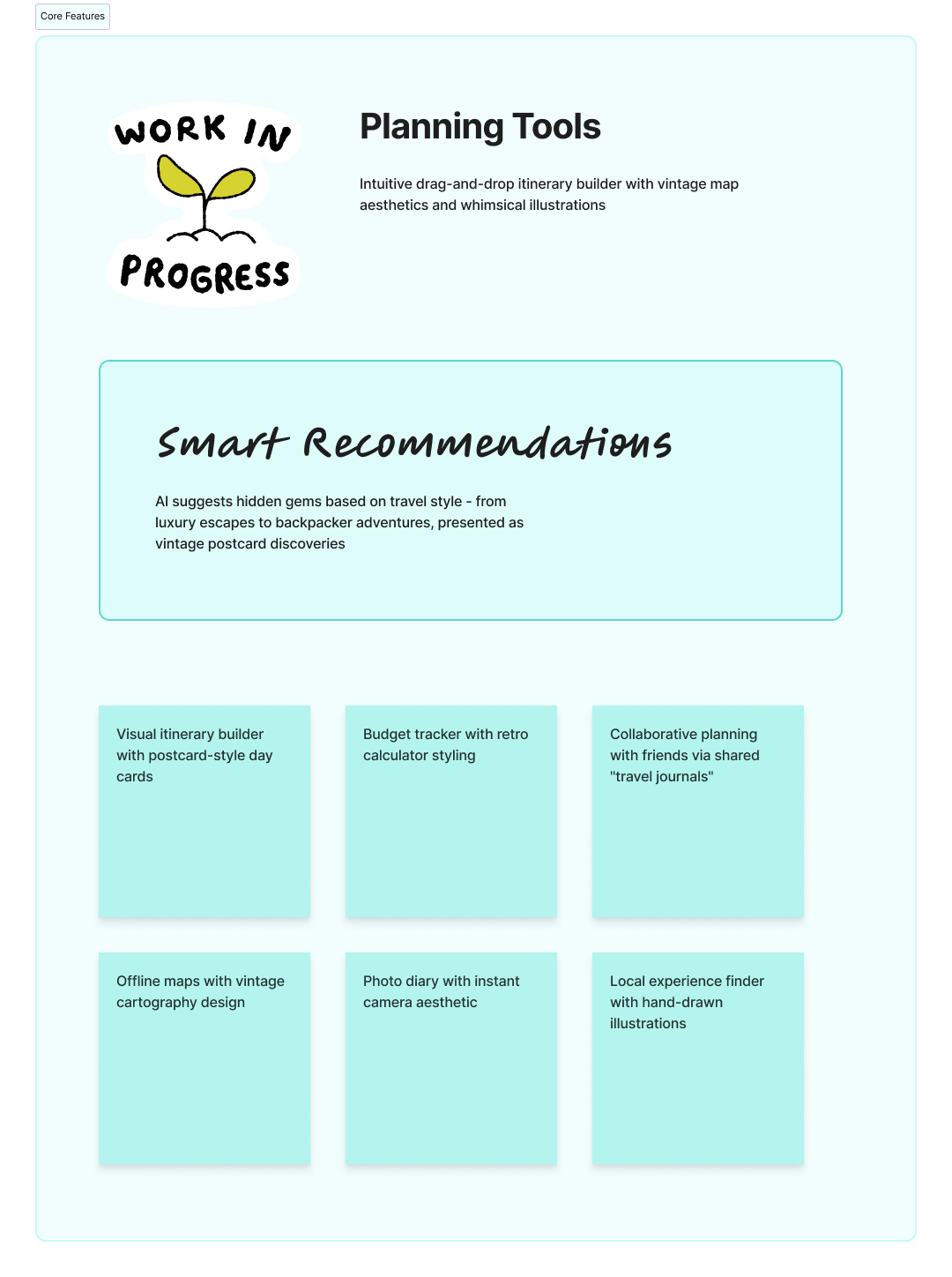
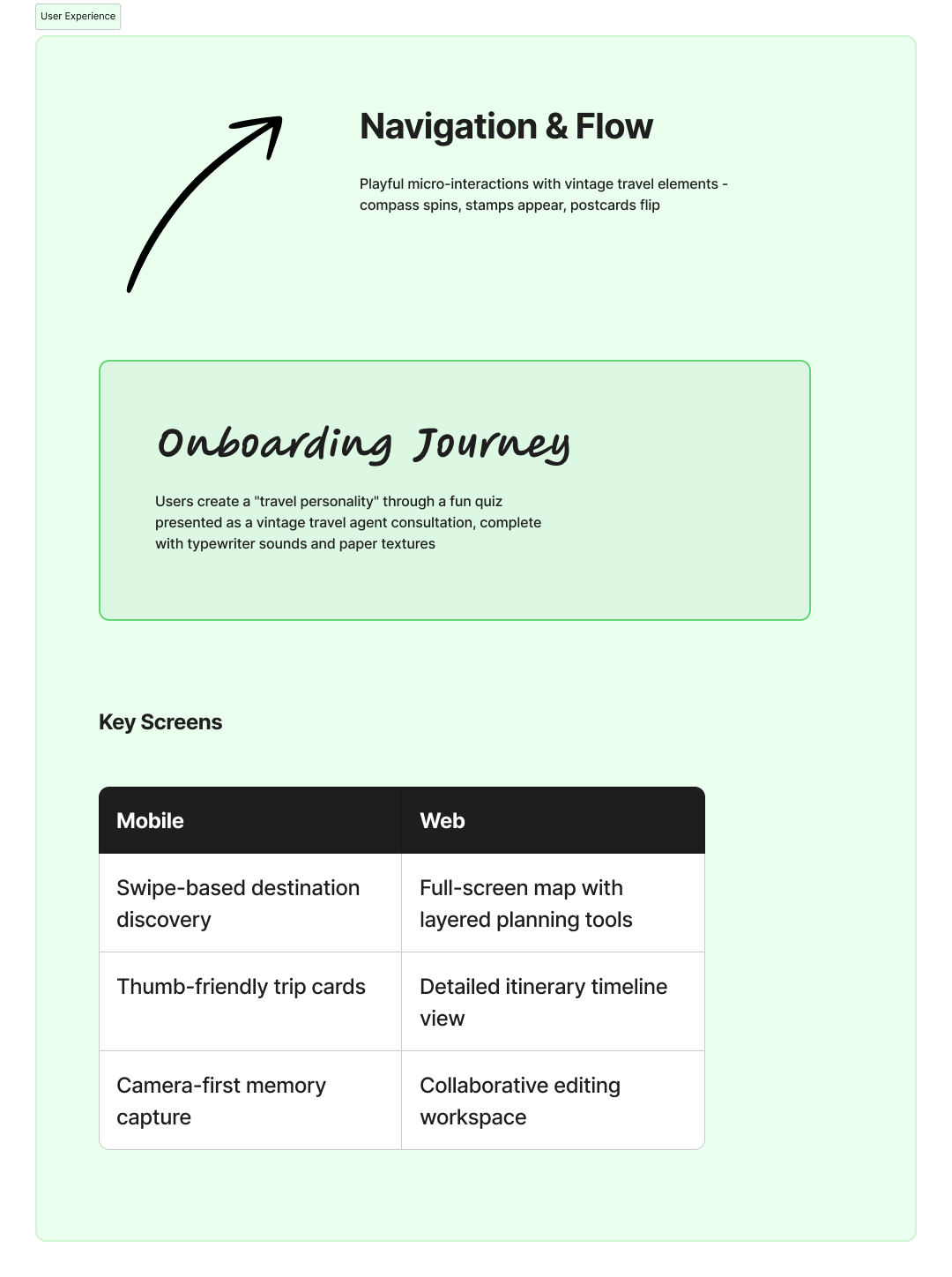
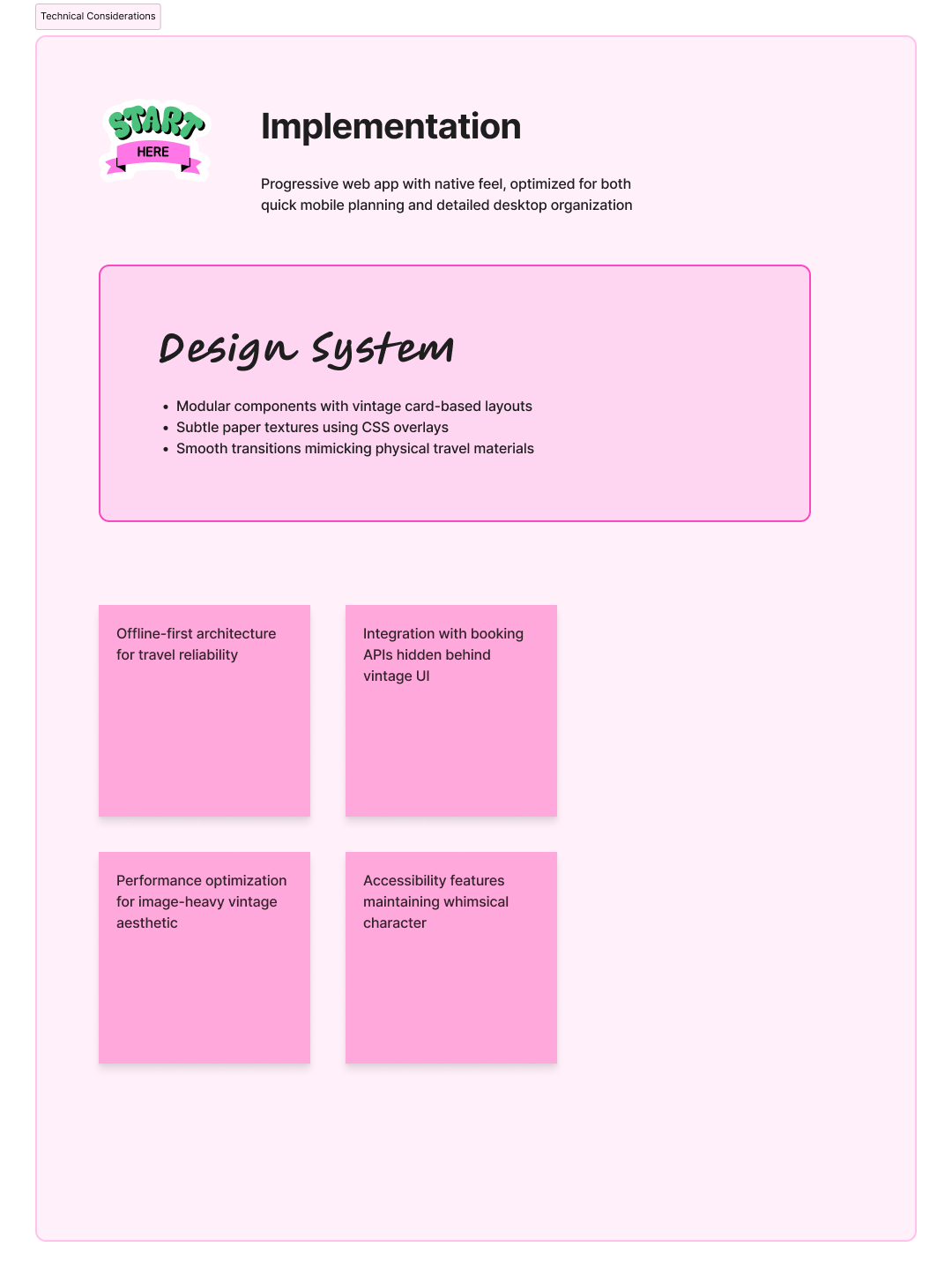
Using FigJam, I gave the following prompt to initiate the whiteboard with a few basic notes.
I want to brainstorm some ideas for a travel planning website/application. The inspiration is vintage travel posters. The tone is whimsical. Name ideas are: Wandering, Jaunts & Journeys, Rraverse, Navigate, In Transit, and Excursions.
Mood Board & Logo Exploration
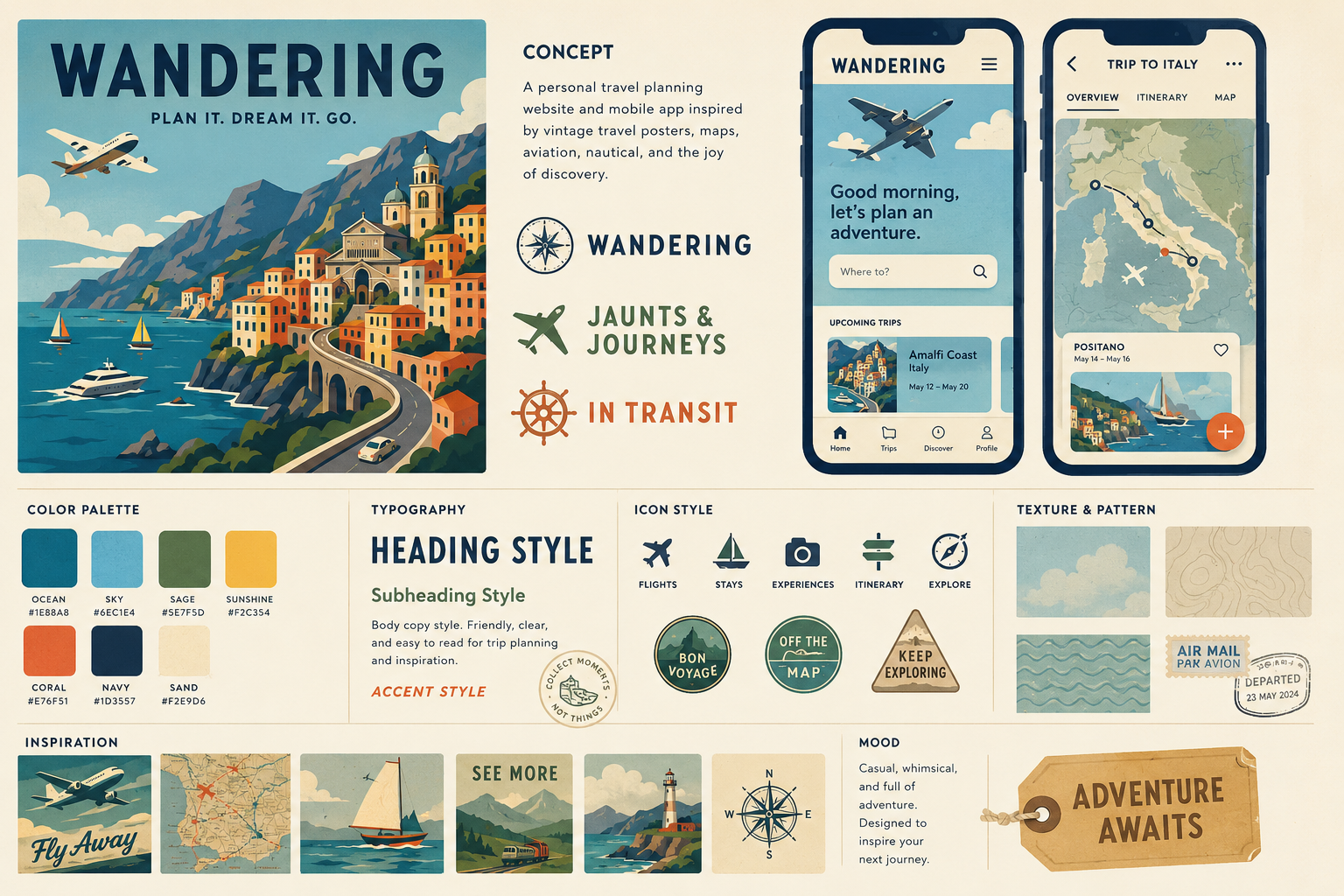
There are lots of AI options available, so I decided to try a few different resources. For this step, I used ChatGPT.
Generate a mood board for a personal travel planning website and mobile app. The style inspiration is vintage travel posters, maps, aviation, nautical, and navigation elements. The tone is casual and whimsical. The style should be solid color blocks with the occasional, subtle texture. Name ideas for this concept are "Wandering", "Jaunts & Journeys", and "In Transit".
I settled on Jaunts & Journeys for the name. I prompted again for some logo ideas, with J&J as a possible abbreviation.



Design System
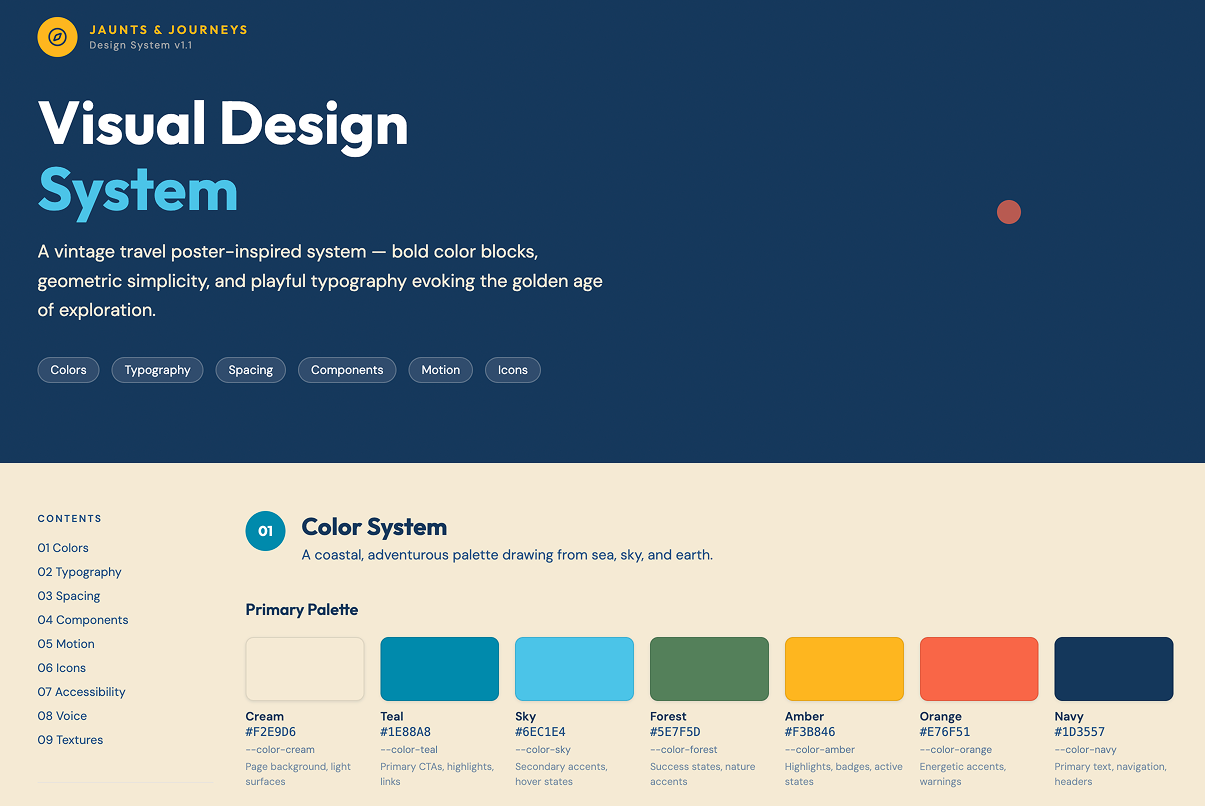
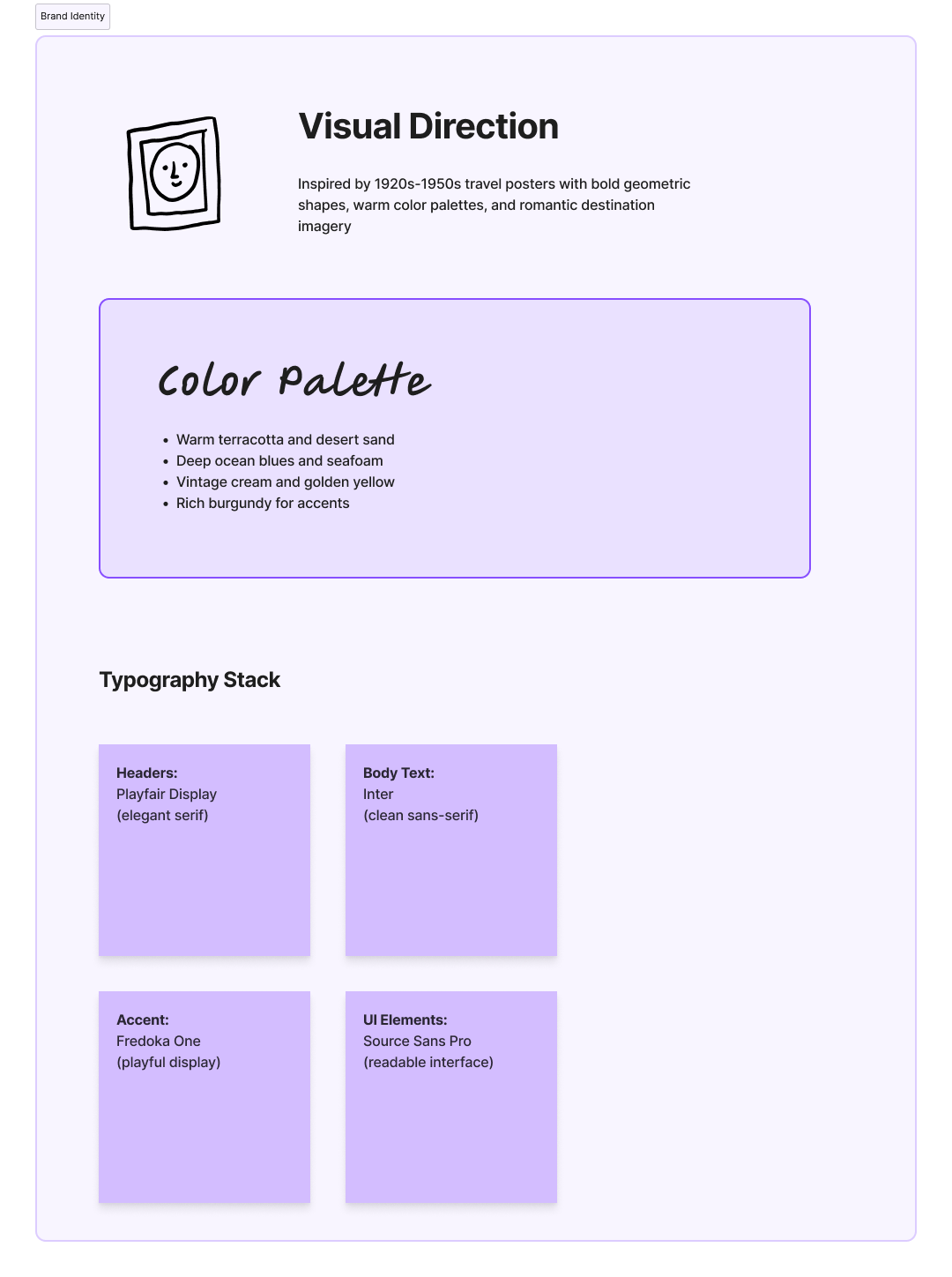
Using the color palette from the mood board, I used Figma Make to create a design system. Figma generated markdown files that can be used when I’m ready to build a site/app, along with a visual reference.
Create a design system for a personal travel planning website and mobile app. The style inspiration is vintage travel posters. The tone is casual and whimsical. Please choose free fonts that fit this tone and are also easy to read. The style should be solid color blocks with the occasional, subtle texture. Hex codes for the color palette are: #F2E9D6, #1E88A8, #6EC1E4, #5E7F5D, #F3B846, #E76F51, #1D3557.
Designed in Figma. Get started for free to create an account.
Wireframes
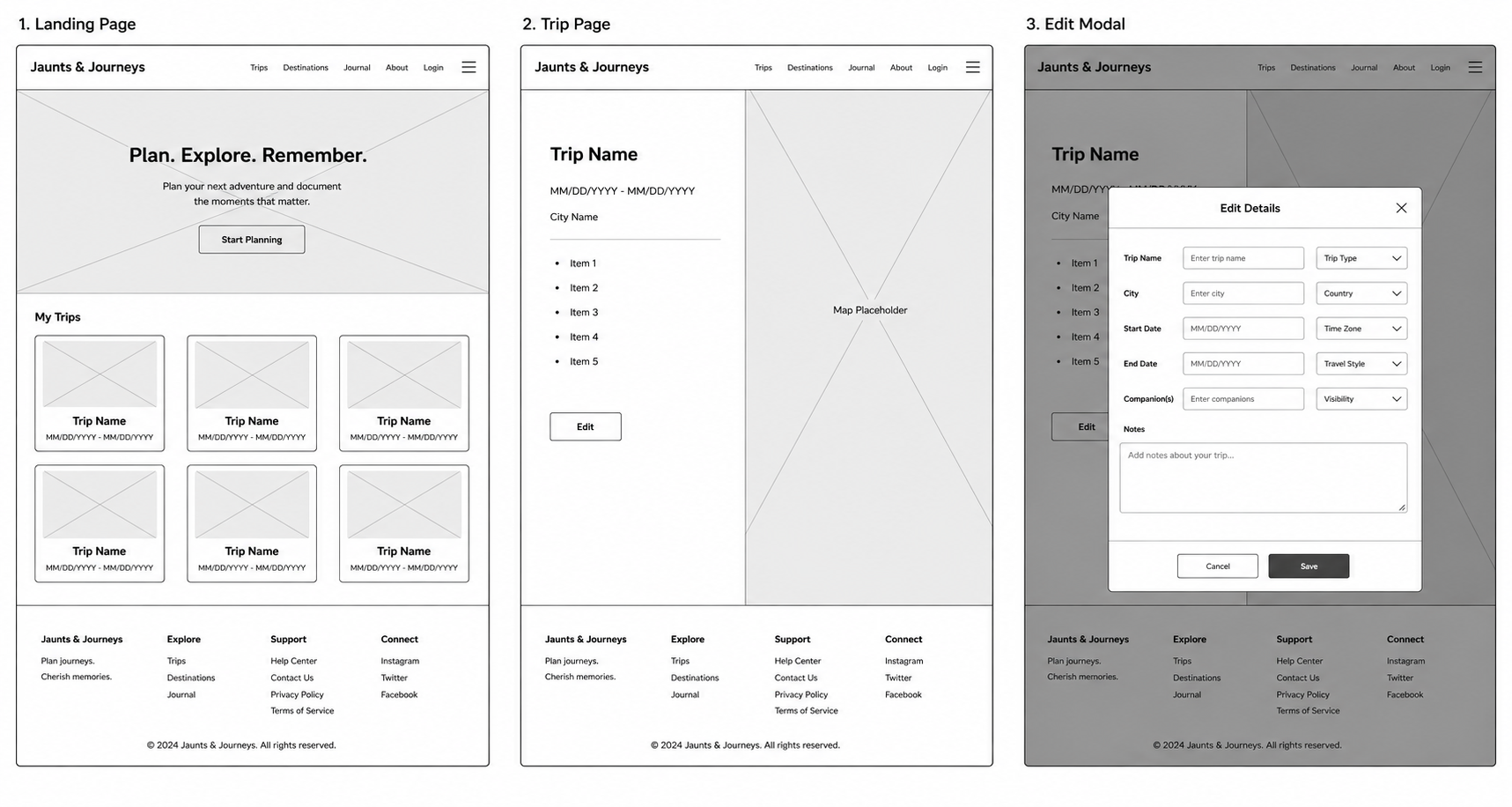
I prompted ChatGPT with the following:
You are an expert UX designer. I am building a website and mobile app to plan and document personal travel. Create a wireframe for three screens:
Create a low-fidelity black-and-white diagram for each screen. Focus on layout, information hierarchy, and spacing. Do not include images or branding elements.
Output the wireframe as three images, one for each screen (Landing Page, Trip Page, Edit Modal).
This was a good start, but I wanted more than just thumbnail images, so I used Figma Make for a full-size wireframe that includes mobile renderings for each screen.
Prototype
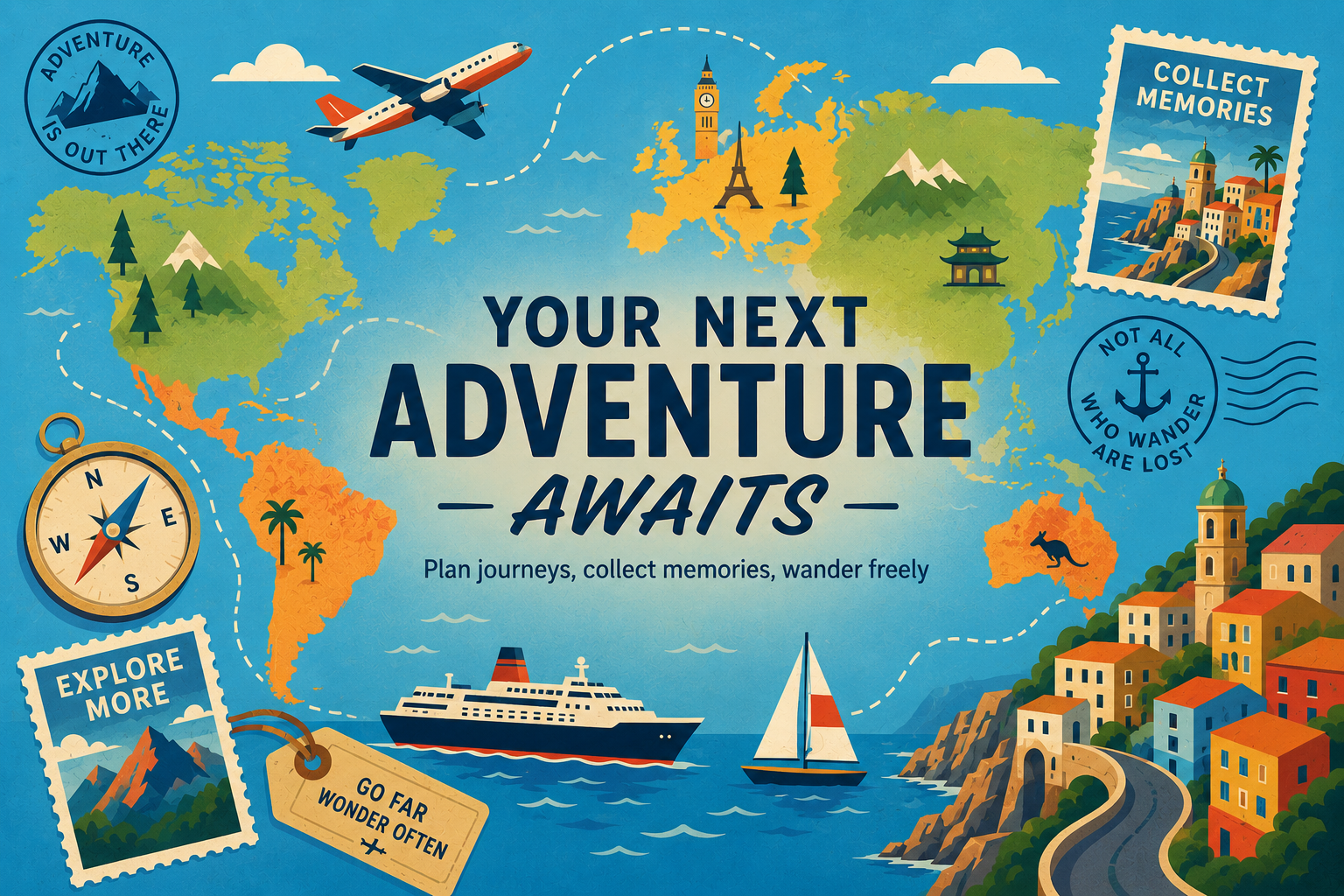
Using ChatGPT, I created a hero image for the site and then generated the prototype with Figma Make.
This prototype is interactive, although not all links are live. You can click My Profile, Plan a Journey, or the Quebec card to view the trip itinerary. On the Quebec Journey screen, you can click Edit Details for both destinations.
Takeaways:
There are quite a few resources available for AI Design. I will continue to try different sites/software to find what works best for my workflow.
I tested Figma Make, Chat GPT, Magic Paths, and Magic Patterns. I don’t currently have a paid subscription to Claude Design, but it’s next on my list to explore.
Effective prompts expedite the process. If you don’t provide enough context, you won’t get great results.
AI doesn’t always get it right. In one of my logo explorations, I encountered a recurring misspelling despite several attempts to correct it.